Introduction
Horizontal lines appearing on a phone screen unexpectedly can be both annoying and worrisome. These disturbances interfere with the viewing experience, making phone usage less effective and sometimes entirely unpleasant. Understanding what leads to these horizontal lines is essential to finding the right solutions. Whether your issue is the result of hardware problems, software glitches, or environmental effects, identifying the cause is the first step towards resolution. In this comprehensive guide, we explore a variety of potential causes and offer practical tips for fixing and preventing horizontal lines on phone screens. With the right knowledge, managing and potentially avoiding such display issues becomes much easier.
Common Hardware Causes
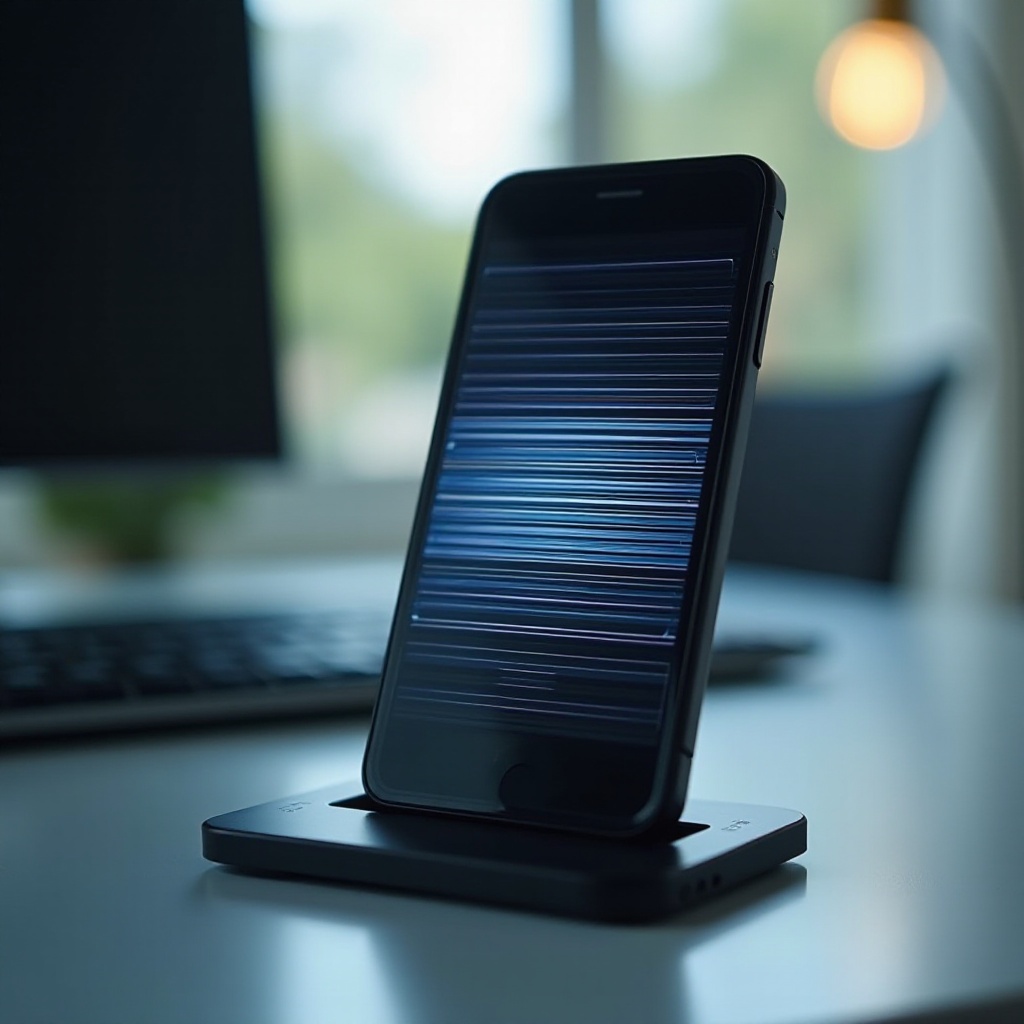
The underlying issues related to hardware frequently top the list of causes for horizontal lines on phone screens. By identifying possible hardware problems early, you might save significant repair costs and avoid protracted downtimes.
Physical Damage
Physical damage is one of the leading causes of horizontal lines. Accidental drops or excessive pressure can impair the phone’s delicate screen layers, such as the LCD or AMOLED, which are responsible for visuals. These impacts may not cause immediate breakage but often lead to gradually developing horizontal lines.
Manufacturing Defects
Hardware issues are not solely the result of mishaps caused by users. Occasionally, manufacturing defects escape quality control, eventually leading to display problems. Such defects might become evident only after prolonged device use or exposure to external stressors.
Connection Issues
The integrity of the connections between a device’s internal components is crucial for the screen’s performance. Loose or disconnected links between the motherboard and the display can result in horizontal lines. These issues might develop in cases of wear, tear, or improper assembly during repairs.
Software and Firmware Causes
While hardware might get all the blame, software also plays a critical role in the display’s operation. Sometimes unforeseen software or firmware issues lead to visual glitches, including those frustrating horizontal streaks.
Software Glitches
Bugs or errors within the operating system can bring about software glitches, leading to screen disruptions like horizontal lines. Keeping your software updated is essential, as manufacturers regularly release updates to address these bugs.
App Interference
At times, third-party applications interfere with screen function. Malfunctioning or poorly designed apps can cause display anomalies, which are often resolved by removing the problematic software.
Outdated Firmware
Firmware updates are crucial for maintaining compatibility with newer applications and systems. Unupdated firmware can lead to discrepancies that result in screen problems, including horizontal lines. Regular updates help ensure the phone runs efficiently and minimizes glitches.

Environmental Factors
The external environment plays a non-negligible role in the functionality of a phone’s screen. Recognizing these factors can contribute significantly to device performance and longevity.
Temperature Changes
Extreme temperature variations can adversely affect phone displays. Rapid changes from cold to hot environments can cause screen materials to expand or contract, leading to potential screen issues like horizontal lines.
Humidity Effects
High humidity levels can disrupt electronic devices, including smartphones, by enabling moisture infiltration. This moisture can affect screen components, resulting in horizontal line formation.
Troubleshooting Horizontal Lines
Conduct simple troubleshooting steps to potentially fix horizontal lines before opting for professional services.
Restarting the Device
A device restart might clear up temporary software glitches, alleviating horizontal lines. It refreshes the system and could resolve screen issues without extensive interventions.
Safe Mode Testing
Initiating Safe Mode helps identify whether third-party apps are causing the problem. Safe Mode limits operations to essential system applications, highlighting if an app is responsible for screen disturbances.
Performing a Factory Reset
When other methods fall short, performing a factory reset might help. This will restore the phone to its original state, potentially resolving software issues causing horizontal lines. Always back up important data before proceeding, as this step will erase all current content.
Seeking Professional Help
When at-home troubleshooting isn’t enough, it might be time to seek professional repair services.
Identifying When DIY Isn’t Enough
If horizontal lines continue after attempting various fixes, professional intervention becomes the next pertinent step. This often signals more serious hardware issues requiring expert repair.
Choosing a Repair Service
Opt for repair services that specialize in smartphones. Additionally, reviewing customer testimonials, requesting service quotes, and ensuring the availability of repair warranties are advisable steps to mitigate future issues.
Preventive Measures
Preventive action can frequently avert the frustration of horizontal lines. Proactivity is often simpler than handling issues post-occurrence.
Regular Phone Maintenance
Consistent phone maintenance, including regular software updates and periodic cleaning, can significantly improve performance longevity and prevent common screen issues.
Protective Accessories
Employing protective gear such as screen protectors and robust phone cases helps guard against physical damage. These accessories create a barrier, especially crucial for preventing drops and impacts that impact screen integrity.
Conclusion
Horizontal lines on phone screens represent a common concern, stemming from numerous potential causes. From hardware to software, or environmental factors, each aspect deserves tailored approaches for resolution. By comprehensively understanding these causes, one can often rectify the situation independently. If required, professional support should not be hesitated upon. Preventative maintenance and regular upkeep further reduce the likelihood of facing such problems. Employing protective measures ensures clear and uninterrupted screen usage moving forward.
Frequently Asked Questions
How can I prevent horizontal lines from appearing on my phone screen?
Regular maintenance, such as software updates, and using protective accessories can help prevent horizontal lines.
Is it safe to continue using a phone with screen lines?
Using a phone with screen lines is generally safe, yet ignoring the issue can lead to further damage and impair usability.
How do I determine if the issue is hardware or software related?
Booting in Safe Mode or conducting a factory reset can help identify software issues. Persistent problems may indicate a hardware defect.