Introduction
For those who demand more from their laptop’s performance, an external GPU dock might be the perfect solution. Laptops excel in portability, but when it comes to handling graphically intensive tasks, they sometimes fall short. External GPU docks offer a way to significantly enhance performance by bypassing the internal GPU limitations. Whether you’re gaming, designing, or editing videos, this technology can elevate your laptop’s capabilities.
Understanding External GPU Docks
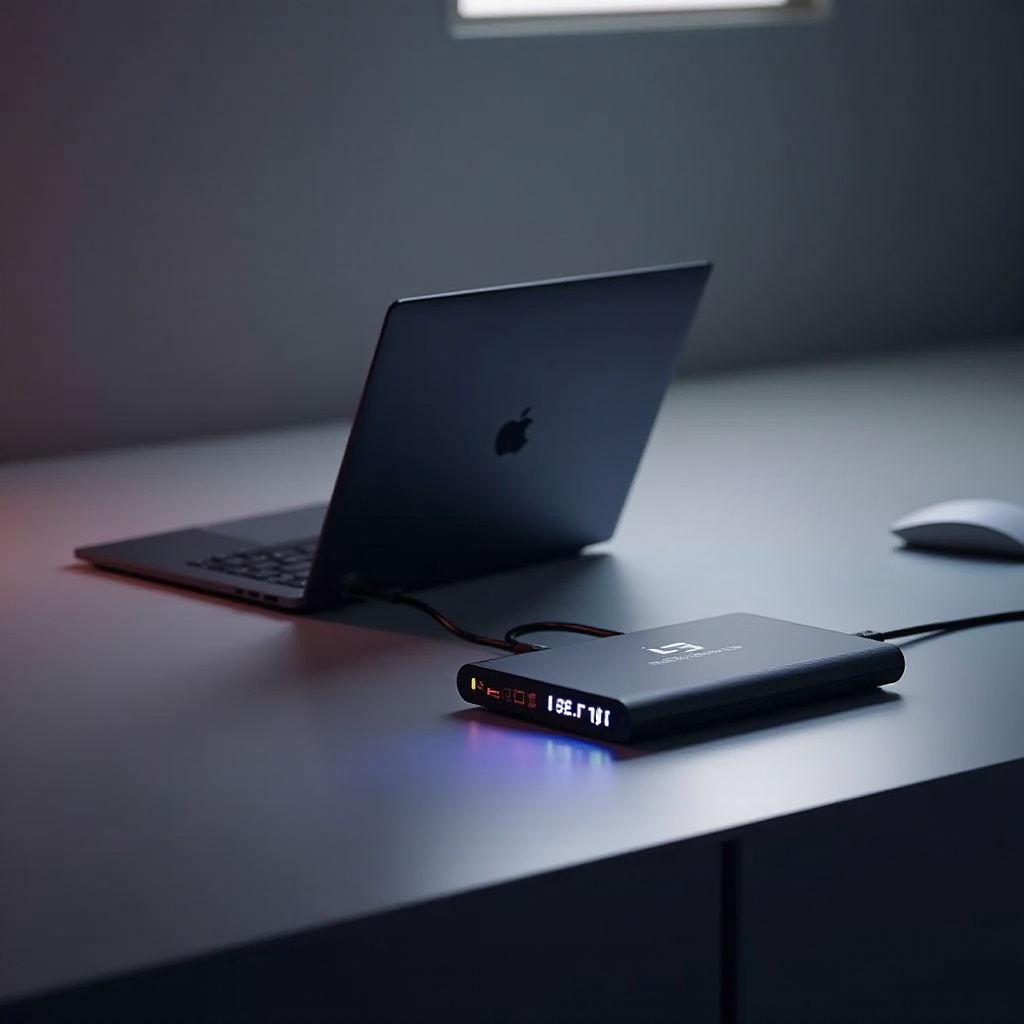
External GPU docks, or eGPU docks, serve as conduits for superior graphic processing power by connecting to your laptop. These devices house a desktop-grade GPU, plugging into your laptop via Thunderbolt ports, usually Thunderbolt 3 or 4. They become your laptop’s graphics powerhouse, significantly boosting its capabilities.
- What is an External GPU Dock?
An external GPU dock is essentially an enclosure that holds a dedicated GPU, connecting to laptops to offload graphics processing from their built-in mechanisms.
- How Does it Work with Your Laptop?
High-speed protocols facilitate data transfer between your laptop and the eGPU, allowing the external GPU dock to assume control of intensive graphics processing tasks, thus enhancing overall performance.
Advantages of Using External GPU Docks
The use of an external GPU dock for your laptop results in numerous advantages:
- Enhanced Performance for Gaming and Beyond
Gamers benefit from improved frame rates and higher resolutions. Similarly, professionals see better performance in tasks like video editing and 3D modeling.
- Flexibility and Upgradability
With ease, users can upgrade the GPU within the dock, extending the laptop’s lifespan and keeping up with evolving technology without frequent laptop replacements.
- Portability and Ease of Setup
External GPU docks offer easy plug-and-play solutions, making them convenient for users who need powerful graphics capabilities both at home and on the go.
Choosing the Right External GPU Dock for Your Needs
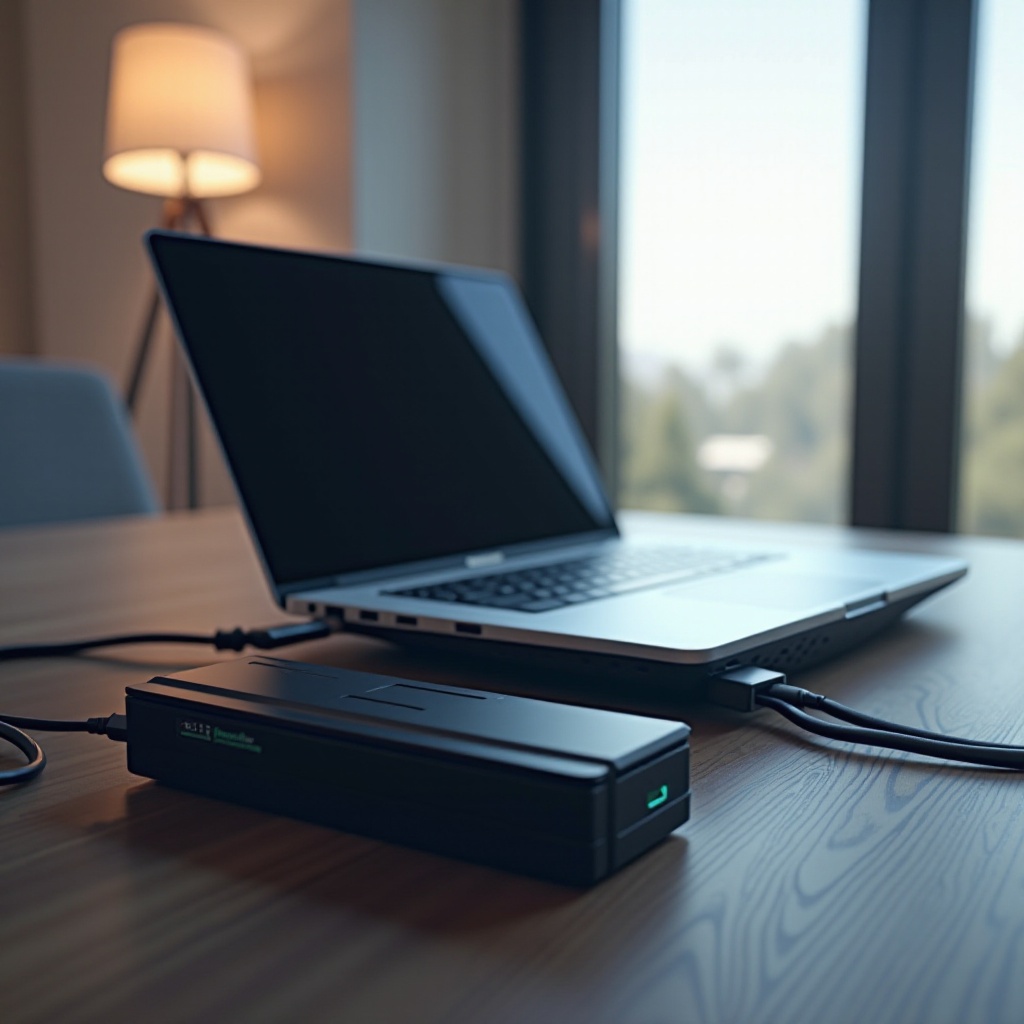
When selecting an eGPU dock, careful consideration can make a significant impact on performance:
- Compatibility Considerations
Ensure the laptop has necessary Thunderbolt support and verify compatibility with the GPU intended for use. Checking these aspects ensures seamless integration and optimal performance.
- Key Specifications to Look For
Prioritize docks with sufficient power supply capabilities and ensure the dock’s enclosure accommodates the desired GPUs. Key specs influence your setup’s efficiency and longevity.
These considerations lead to a seamless transition from a standard laptop to a formidable computing machine capable of handling demanding tasks.
Top Laptops for Use with External GPU Docks in 2024
Some laptops are more suited for pairing with eGPU docks, offering performance benefits across different applications. Let’s explore some top options:
- Recommended Laptop Models
Laptops like the Dell XPS 15 and the MacBook Pro with M2 stand out due to their robust hardware and superior Thunderbolt connectivity.
- Feature Highlights
Prioritize laptops that come with RTX-ready graphics, high-speed Thunderbolt ports, and abundant RAM. These attributes ensure compatibility and optimal use of an external GPU.
Setting Up and Optimizing Your Setup
Transitioning to an eGPU setup can be straightforward with the right guidance. Here’s how you can set up your configuration:
- Connect the eGPU dock to your laptop using a Thunderbolt cable.
- Download and install necessary drivers from your eGPU manufacturer’s site.
- Restart your laptop to configure the setup.
- Visit graphical settings to assign applications to utilize the eGPU.
Whenever setup issues arise, ensure all connections are secure, and verify that software and drivers are updated.
Real-World Applications and Performance Insights
Understanding the practical benefits of an eGPU setup involves looking at real-world applications and data:
- Gaming Benchmarks
Expect higher frame rates and improved graphics quality, bringing out the best in top-tier games. Gamers discover new dimensions in gameplay, enhancing overall experience and satisfaction.
- Professional Workloads
For designers and media editors, applications like Adobe Premiere Pro or AutoCAD see marked improvements in efficiency and rendering times, making work more productive and less time-consuming.
Conclusion
External GPU docks present a pathway to unlock substantial potential within a laptop, turning it into a dynamic workstation capable of meeting high graphics demands. Whether the focus is gaming or professional applications, adopting an eGPU solution represents a wise investment into enhanced performance capabilities.
Frequently Asked Questions
Can I use any laptop with an external GPU dock?
No, your laptop must have a Thunderbolt 3 or 4 port to connect with an eGPU dock.
Are external GPU docks worth the investment?
Yes, especially if you need enhanced graphics performance for gaming or demanding professional workloads.
What performance improvements can I expect with an external GPU dock?
Expect higher frame rates, better graphics quality, and faster rendering across gaming and professional appilcations.