Introduction
Television streaming has become a staple of modern entertainment, but there are ways to make it even better. Enter the Mini PC – a compact yet powerful tool designed to revolutionize your viewing experience. Combining versatility with superior performance, Mini PCs offer more than conventional streaming devices, making them an increasingly popular choice. This article delves into the reasons why Mini PCs are perfect for streaming, the essential features to look for, the top models available in 2024, how to set them up, and tips to optimize your viewing.
Why Choose a Mini PC for TV Streaming?
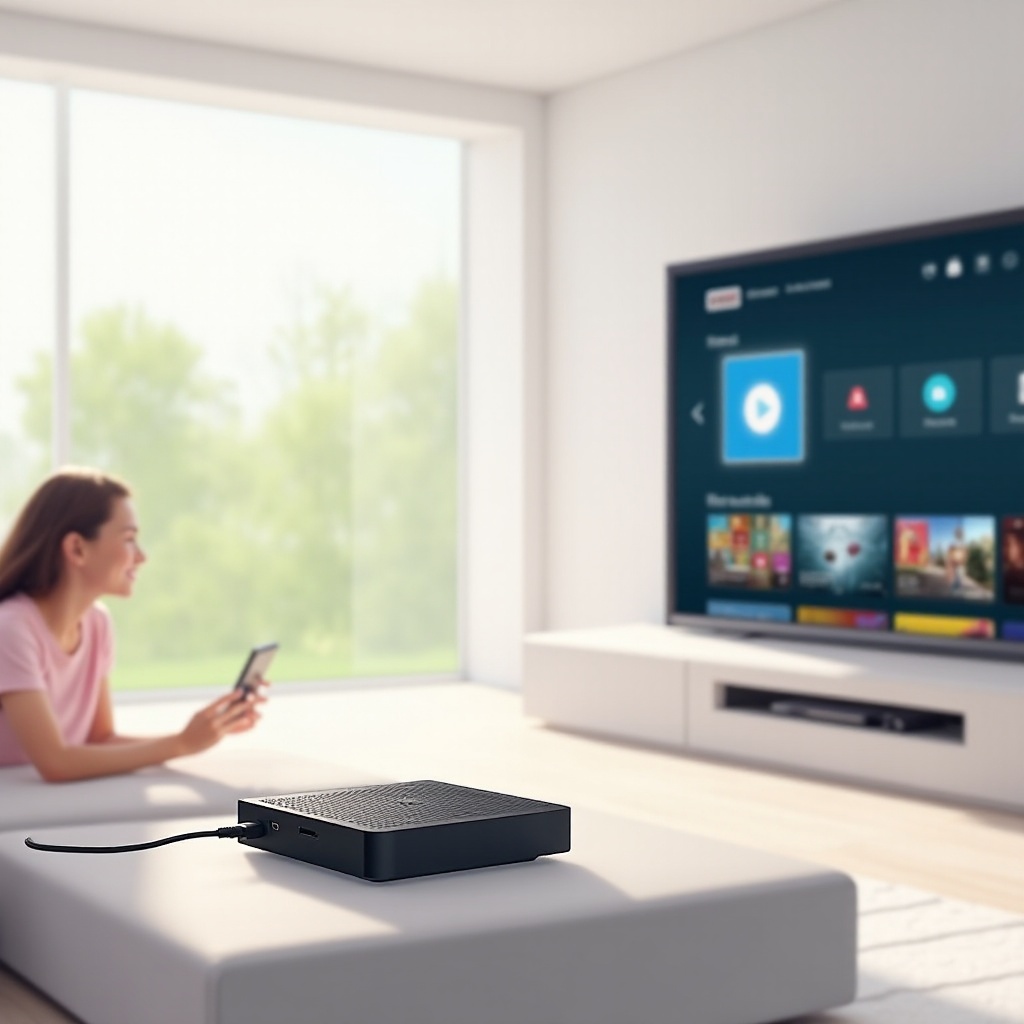
Switching to a Mini PC provides several unique advantages over traditional streaming devices. One standout benefit is multitasking capability. While streaming your favorite shows, you can simultaneously browse the internet, work on projects, or even play games. This multifunctionality extends the Mini PC’s use beyond entertainment, making it a valuable home device.
In terms of performance, Mini PCs typically pack more power than standard streaming devices. This translates into smoother playback, especially crucial when streaming high-definition and 4K content. Furthermore, the potential for upgrades, whether it’s increasing RAM or storage, means your Mini PC can evolve with your needs, providing longer usability compared to single-purpose devices.
Understanding these benefits establishes a solid foundation for selecting the right Mini PC model for your needs, which brings us to the key features one should evaluate when shopping for a Mini PC dedicated to streaming.
Key Features to Consider in a Mini PC
Selecting a Mini PC involves examining several critical features to ensure it meets your specific streaming needs:
-
Processing Power and RAM: Aim for a Mini PC with a multi-core processor and at least 8GB of RAM. This setup is essential for handling high-definition and 4K video smoothly, allowing for simultaneous application use without experiencing lag.
-
Connectivity and Port Options: Robust connectivity is vital. Prioritize models that offer WiFi 6 for fast internet speeds. Look for ample USB ports, HDMI connections, and possibly a Thunderbolt port for peripherals. This setup ensures easy integration with existing home entertainment systems.
-
Storage Capacity and Expandability: Adequate storage supports both app installations and media downloads. An SSD offers quick load times, and at least 256GB should be your baseline, with expandability options like SSD extensions or external drives being a significant advantage.
Focusing on these features guarantees that the chosen Mini PC will enhance your streaming experience. Next, we explore some of the best models available in 2024 that meet these criteria.
Top Mini PC Models for Streaming in 2024
Several models stand out in the world of Mini PCs for streaming, offering diverse features to meet different user needs:
-
ASUS Chromebox 4: Equipped with an Intel Core processor, this model supports 4K UHD video. Compact and running on Chrome OS, it offers streamlined usability, especially for those within the Google ecosystem. Its performance for both streaming and light computing is highly rated.
-
Intel NUC 11: The Intel NUC 11 is known for its customization options and petite frame. This device offers various processor configurations and is well-suited for those seeking a blend of size and power, making it ideal for living room setups. Users appreciate its fluid multitasking capabilities.
-
Apple Mac Mini M1: If budget allows, the Mac Mini M1 offers exceptional performance with its M1 chip. It’s not only powerful for video streaming but integrates seamlessly with the Apple ecosystem. The Mac Mini excels in high-definition streaming and provides broad functionality beyond entertainment.
Having explored these options, the next step is setting up your Mini PC to leverage its full potential, ensuring smooth and efficient operation.
How to Set Up Your Mini PC for Optimal Streaming
Setting up your Mini PC for TV streaming is straightforward and involves a few key steps:
-
Connect Your Mini PC to the TV: Utilize an HDMI cable to link your Mini PC with the TV. Confirm that the TV is tuned to the correct input source.
-
Establish Internet Connection: For optimal speed, connect your Mini PC to the router via Ethernet. If Wi-Fi is the only option, connect to a network with strong signal strength.
-
Install Necessary Software: Download and install your preferred streaming applications. Popular choices include Netflix, Amazon Prime, VLC, and others that suit your entertainment needs.
-
Adjust Display Settings: Customize resolution and display settings on your PC to align with your TV’s capabilities for the best picture quality.
-
Connect Peripherals: Attach any desired devices, such as a wireless keyboard or game controller, to enhance your control and navigation through the interface.
With these steps completed, your Mini PC is now ready to provide an optimal streaming experience. To further enhance your media enjoyment, consider the following tips.
Tips for Enhancing Your Streaming Experience with a Mini PC
To get the most out of your Mini PC, consider implementing these tips:
-
Optimize Your Network: Invest in higher-speed internet and update your router’s firmware regularly. For reduced interference, position the router centrally in your home and opt for a wired connection whenever feasible.
-
Update Software and Drivers: Keep your operating system and streaming applications updated to benefit from the latest features and performance improvements.
-
Use External Peripherals: Incorporate a wireless keyboard with a trackpad or a game controller. These peripherals enhance the ease of navigation and control, tailoring the entertainment system to fit your lifestyle.
Integrating these enhancements can significantly boost your streaming quality and overall user satisfaction.
Conclusion
Integrating a Mini PC into your streaming setup has the potential to drastically improve your viewing experience. With advantages like multitasking, superior performance, and future-proofing capabilities, a Mini PC is a worthy investment. By choosing the right model and setting it up appropriately, you unlock a world of entertainment possibilities, making every viewing session enjoyable and efficient.
Frequently Asked Questions
Can I use any Mini PC for streaming on any TV?
Yes, as long as your TV has an HDMI input and the Mini PC supports the same, they can be connected. Always check compatibility regarding output resolutions and refresh rates.
What Internet speed is recommended for streaming with a Mini PC?
For 4K streaming, a minimum of 25 Mbps is recommended. For HD streaming, 5-10 Mbps should suffice. However, higher speeds ensure smoother playback and additional device support.
How do I maintain and troubleshoot my Mini PC for streaming issues?
Regularly update your OS and streaming apps. If issues arise, check internet connections and settings first, then move to device-specific troubleshooting guides or professional support.