Introduction
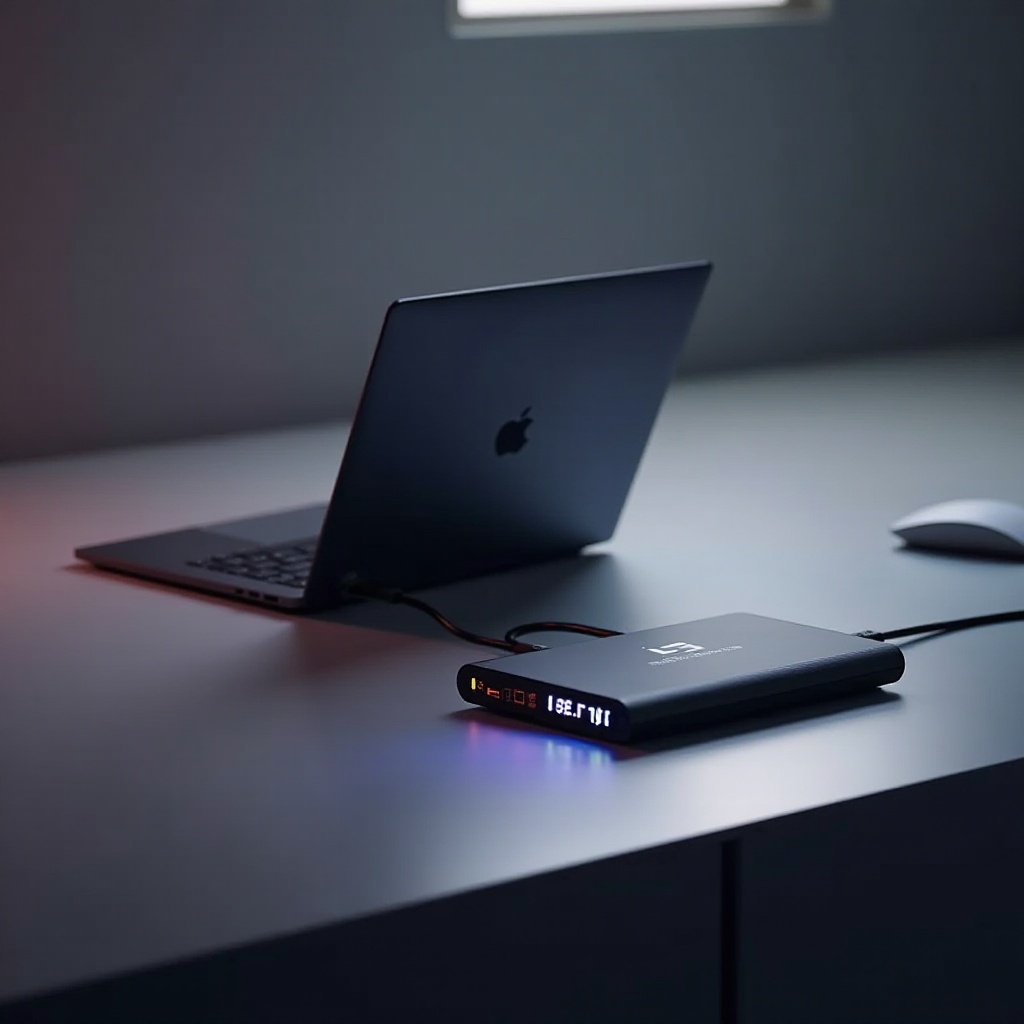
Gaming laptops can quickly become outdated as new games demand more power and resources. However, with upgradable gaming laptops, users can keep up with evolving technology. These laptops are designed to allow easy upgrades, enabling users to enhance performance without buying a new machine regularly. In this guide, we explore why upgradability is crucial and how you can leverage it to maintain top-notch gaming performance.

Understanding Upgradability in Gaming Laptops
Upgradability in gaming laptops is about enhancing performance by changing its components. This approach ensures that your device can keep up with the fast-paced innovations in gaming technology. Gamers can opt for laptops that permit upgrades to essential parts, ensuring their machines stay competitive longer.
Key Components That Can Be Upgraded
The core components typically upgradeable in gaming laptops include RAM, SSDs, and sometimes GPUs. Upgrading RAM can lead to better multitasking and game performance, while replacing HDDs with SSDs can significantly decrease loading times. Although less common, some laptops also allow GPU upgrades, considerably enhancing graphics capabilities.
Why Upgradability Matters for Gamers
Gamers strive for optimal performance, and as games advance in complexity, the demands on their hardware increase. By choosing an upgradable laptop, gamers can ensure their system can adapt to new requirements, maintaining smooth gameplay and reducing the need for early replacement.
Top Considerations When Choosing an Upgradable Gaming Laptop
Choosing the right laptop involves weighing current specs against future upgradeability. Here we outline what to keep in mind when selecting an upgradable model so that it meets your present needs and allows for future enhancements.
Processor and RAM
While most processors in laptops aren’t upgradeable post-purchase, investing in a powerful CPU from the start is important. Combine this with ample RAM or, better yet, a model that allows RAM upgrades, and you can ensure your laptop keeps pace with demanding applications.
Graphics Card (GPU)
The GPU is fundamentally important for game performance. While many gaming laptops don’t support GPU upgrades due to their compact design, some models come with upgradeable modules. If you’re committed to high-end gaming, researching these options could be beneficial.
Storage Solutions (SSD and HDD)
Upgrading to an SSD will often yield immediate benefits in speed and reliability. Look for models that provide easy access to storage bays, allowing you to swap out drives or add additional ones as storage needs grow.
Best Upgradable Gaming Laptops of 2024
With innovation continuing to drive the gaming industry, several laptops rise to the top with their upgradability and performance features. In 2024, there’s an array of models designed for users who desire the best of both worlds: performance and future-proofing.
Brand 1: Model A Overview
Model A stands out thanks to its upgradable RAM and SSD slots, providing a straightforward way to boost performance. Its support for external GPUs makes it versatile for those desiring graphic upgrades without switching to a new machine.
Brand 2: Model B Overview
Model B strikes a great balance between cost and features, allowing RAM and storage upgrades easily. The focus on a dependable cooling system ensures performance stability, ideal for gamers who might be on a budget.
Brand 3: Model C Overview
With its modular design, Model C caters to graphic enthusiasts by providing easy GPU upgrades. Known for its robust build and superior display options, it’s a top pick for gamers who prioritize cutting-edge graphics performance.
How to Upgrade Your Gaming Laptop: A Step-by-Step Guide
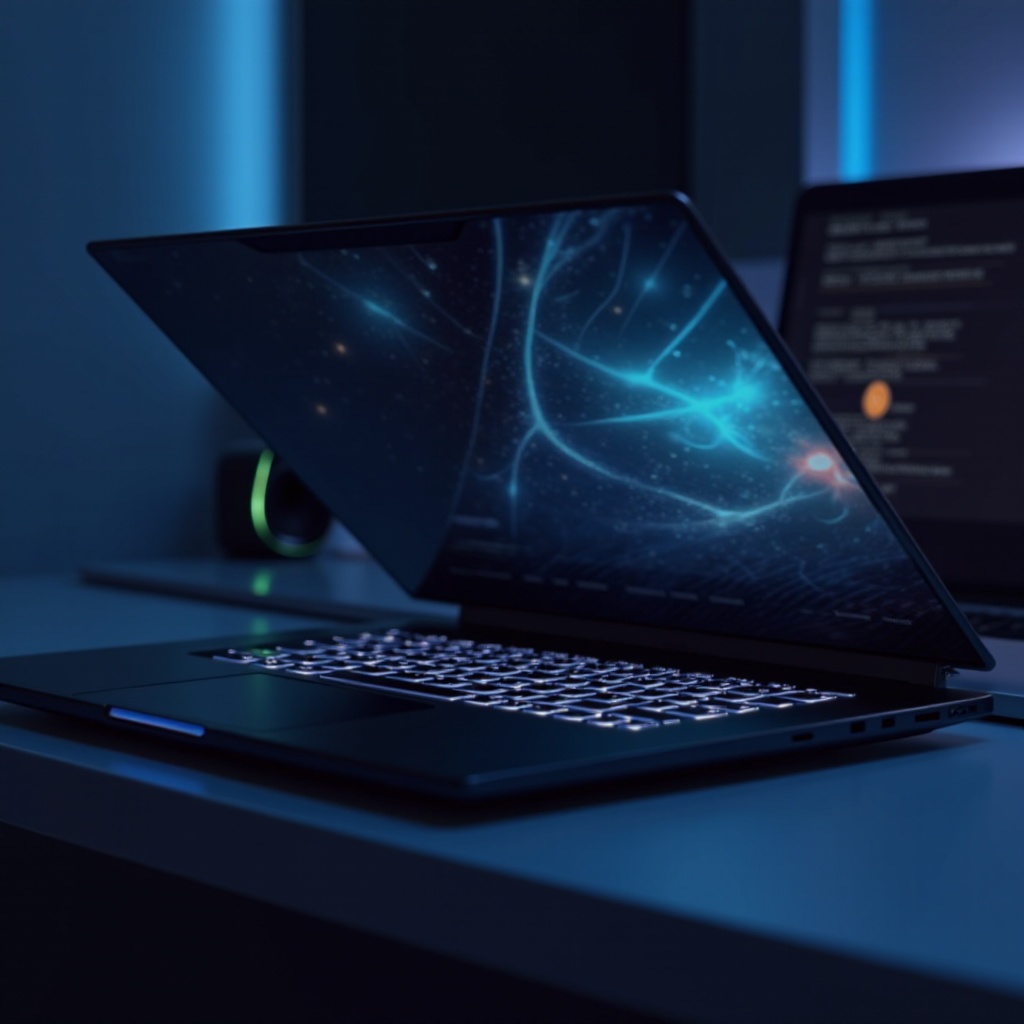
Knowing how to conduct upgrades is vital for those who own an upgradeable gaming laptop. Below, we outline key upgrade processes that most gamers can perform to keep their laptops performing at their best.
Upgrading RAM for Better Performance
- Shut down your laptop and detach the battery before beginning.
- Remove the back cover to access the RAM slots.
- Insert a new RAM module or replace an existing one, making sure it’s seated properly.
- Replace the cover, reattach the battery, and power on your laptop to ensure the RAM is recognized.
Installing a New SSD for Faster Load Times
- Always back up your important data before storage upgrades.
- Open the laptop’s storage compartment and remove any existing drive if necessary.
- Insert the new SSD securely into its slot.
- Restore your data from backup or reinstall your operating system as needed.
Considering GPU Upgrades: What to Know
GPU upgrades are more involved and depend heavily on your laptop’s design:
1. Verify your laptop’s compatibility for a new GPU.
2. Access the GPU compartment per the manufacturer’s instructions.
3. Carefully replace the old GPU with the new one.
4. Update your system drivers to accommodate the hardware change and optimize performance.
Upgradability vs. Buying New: Cost and Performance Analysis
The decision between upgrading components or buying a new system involves various considerations. We compare the long-term financial advantages and performance benefits of both approaches to provide clear guidance.
Long-Term Financial Benefits
Upgrading select components is often more economical than purchasing a new laptop every few years. By targeting the most impactful upgrades, you can boost performance without incurring the full cost of a new laptop, maximizing your investment.
Performance Enhancements and Future-Proofing
Through strategic upgrades, especially in RAM and storage, you can keep up with current games’ demands. This approach ensures that your laptop remains relevant for longer without needing a full replacement, extending the device’s lifespan and enhancing its capabilities with each upgrade.

Conclusion
Upgradable gaming laptops provide an intelligent way to address the constant evolution of gaming technology. By choosing models that support upgrades and understanding how to apply them, gamers can ensure their systems remain at peak performance. By opting to upgrade rather than replace, users harness both economic and performance benefits, securing their place at the forefront of gaming innovation.
Frequently Asked Questions
What are the most important components to upgrade in a gaming laptop?
Essential upgrades include RAM, SSD, and potentially the GPU, as these components directly impact performance and efficiency.
Is it easy to upgrade a gaming laptop’s GPU?
This depends on the laptop model. Some allow for easier GPU upgrades with modular designs, while others might not support GPU changes at all.
How often should I consider upgrading my gaming laptop?
Consider upgrades every few years or when experiencing performance bottlenecks to keep pace with game requirements and technology advancements.