Introduction
Selling your phone involves more than simply wiping data. To protect your personal information effectively, a mere factory reset won’t suffice. Knowing what really happens during a factory reset is crucial. This guide will help you understand why additional steps are necessary to fully secure your data before selling your device.

Understanding Factory Reset
While a factory reset might appear to erase all data, it doesn’t guarantee complete security. Let’s explore what it actually accomplishes and its limitations.
What a Factory Reset Does
A factory reset returns the device to its original settings by deleting user data, apps, and preferences. It essentially makes the phone seem new, removing visible data and configurations. However, some remnants might linger in the phone’s storage, posing potential recovery risks.
Limitations of Factory Reset
The factory reset process cannot completely obliterate all stored information. With certain techniques, data remnants can be accessed by determined individuals. Therefore, relying solely on a factory reset could leave personal information vulnerable.
Preparing Your Phone for Sale
Beyond a factory reset, there are comprehensive steps you can take to prepare your phone for sale and secure your data effectively.
Backing Up Your Data
-
Secure Cloud Backup: Ensure you back up all important data such as contacts and photos using cloud services like Google Drive or iCloud.
-
Physical Backup: Use your computer to create a physical backup via USB connection for sensitive data.
Removing All Accounts and Personal Information
It’s crucial to remove your accounts to prevent unintended access by the next user.
-
Sign Out and Remove Accounts: Log out and remove accounts from Google, social media, and other services.
-
Deactivate Security Features: Disable ‘Find My iPhone’ or ‘Device Manager’ to ensure the phone’s location can’t be tracked.
Erasing SD Card Data (if applicable)
If your phone includes an SD card, make sure to wipe all data or simply remove the card before selling.
Physically Cleaning Your Phone
A clean device can improve resale value.
-
Clean the Exterior: Wipe down the screen and casing with a microfiber cloth and appropriate cleaner.
-
Tidy Up Accessories: Ensure all included accessories like chargers are in good condition.
Advanced Data Security Measures
It’s essential to consider additional strategies for enhanced data protection.
Data Erasure Tools and Software
Use specialized software designed to overwrite your phone’s data multiple times:
-
Employ Erasure Software: Tools like ‘Blancco’ or ‘DBAN’ offer comprehensive data wiping solutions.
-
Rule of Redundancy: After using data erasure software, performing a factory reset can ensure layers of deletion.
Encrypting Your Phone
Encryption scrambles your data into unreadable formats, adding a layer of security.
- Activate Encryption: Enable encryption in your phone settings before wiping all data to make retrieval almost impossible.
Ensuring Apps and Files Are Fully Removed
Double-check that personal data doesn’t remain by reviewing built-in and downloaded applications.
-
Delete Apps Manually: Inspect each app for cached data and delete it completely.
-
Clear Data: Use the ‘clear data’ option on Android or similar functions on iOS to ensure total purging.
Verifying Data Removal
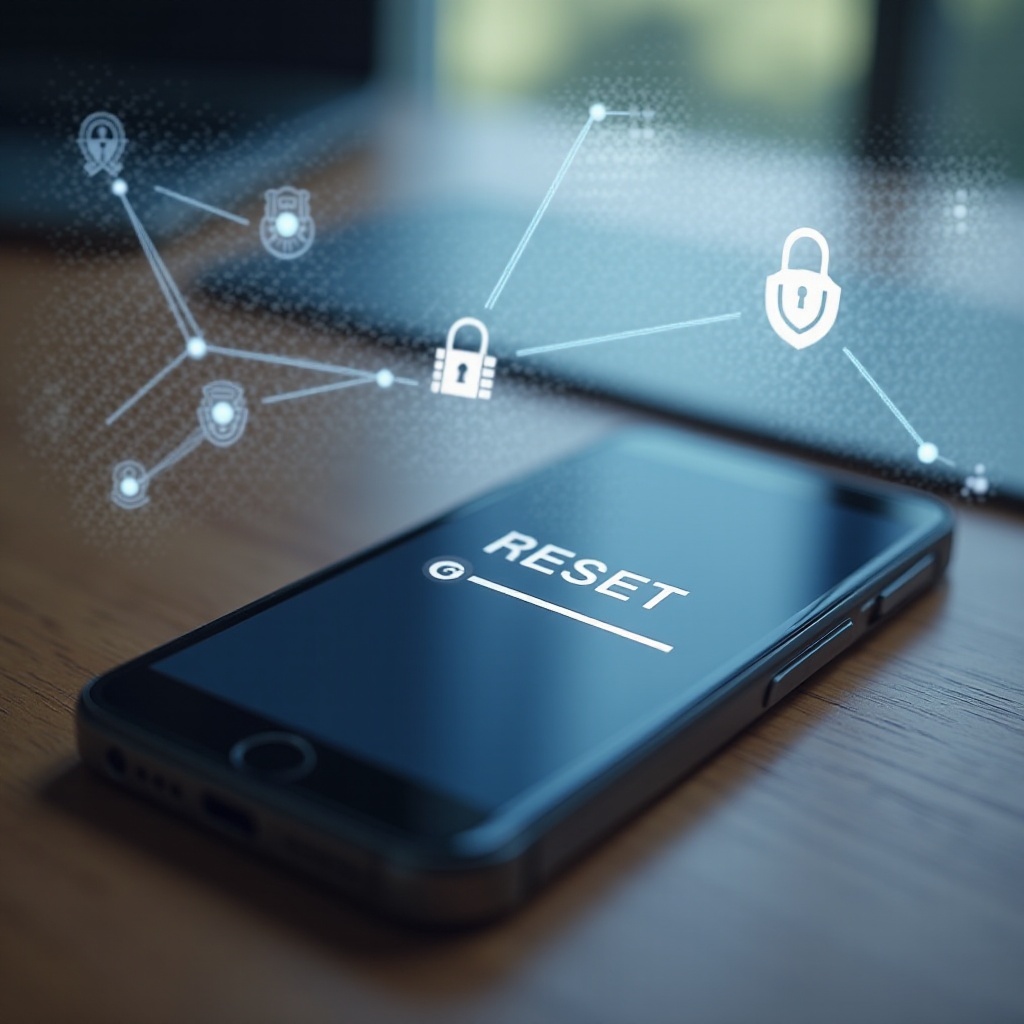
Verification of complete data purging ensures no recoverable data remains on your device.
Double-Checking for Data Remnants
Conduct recovery tests to ensure the complete erasure of data.
- Recovery Testing: Utilize recovery software to try retrieving deleted files. If data appears, another purge is advisable.
Using Professional Data Wiping Services
Professional services can offer peace of mind when it comes to data security.
-
Professional Assistance: Seek out experts who specialize in safe data deletion.
-
Certification: Obtain a service certificate to affirm data has been securely wiped for the buyer’s reassurance.
Final Steps for a Successful Sale
With data secured, focus on preparing your phone for a seamless sale.
Resetting Network and Privacy Settings
Ensure the phone is free from any personalized configurations that could affect its performance.
-
Reset Network Settings: Clear previous Wi-Fi and Bluetooth settings.
-
Minimal Setup: Decide on a basic configuration or any special setup agreed upon with the buyer.
Gathering Accessories and Documentation
Organize all items to present a complete, professional package.
-
Prepare Accessories: Include original accessories neatly reminiscent of new purchase.
-
Provide Documentation: Attach necessary papers, like warranty reminders, to complete the offer.

Conclusion
Selling your phone requires more than just a basic reset. By understanding and implementing multiple security steps, sellers can guarantee full data protection. Utilize erasure tools, encryption, and professional services to ensure no trace is left behind, offering peace of mind to both you and your phone’s new owner.
Frequently Asked Questions
Is a factory reset enough?
A factory reset alone often fails to fully erase all data, making a comprehensive multi-step approach necessary.
How can I ensure my data is completely wiped?
Utilize data erasure tools, encrypt your device before wiping, check for remnants, and consider professional services.
Are there professional services for phone data wiping?
Yes, professional services use advanced techniques to ensure your phone’s data is thoroughly erased, often providing certifications for peace of mind.