Introduction
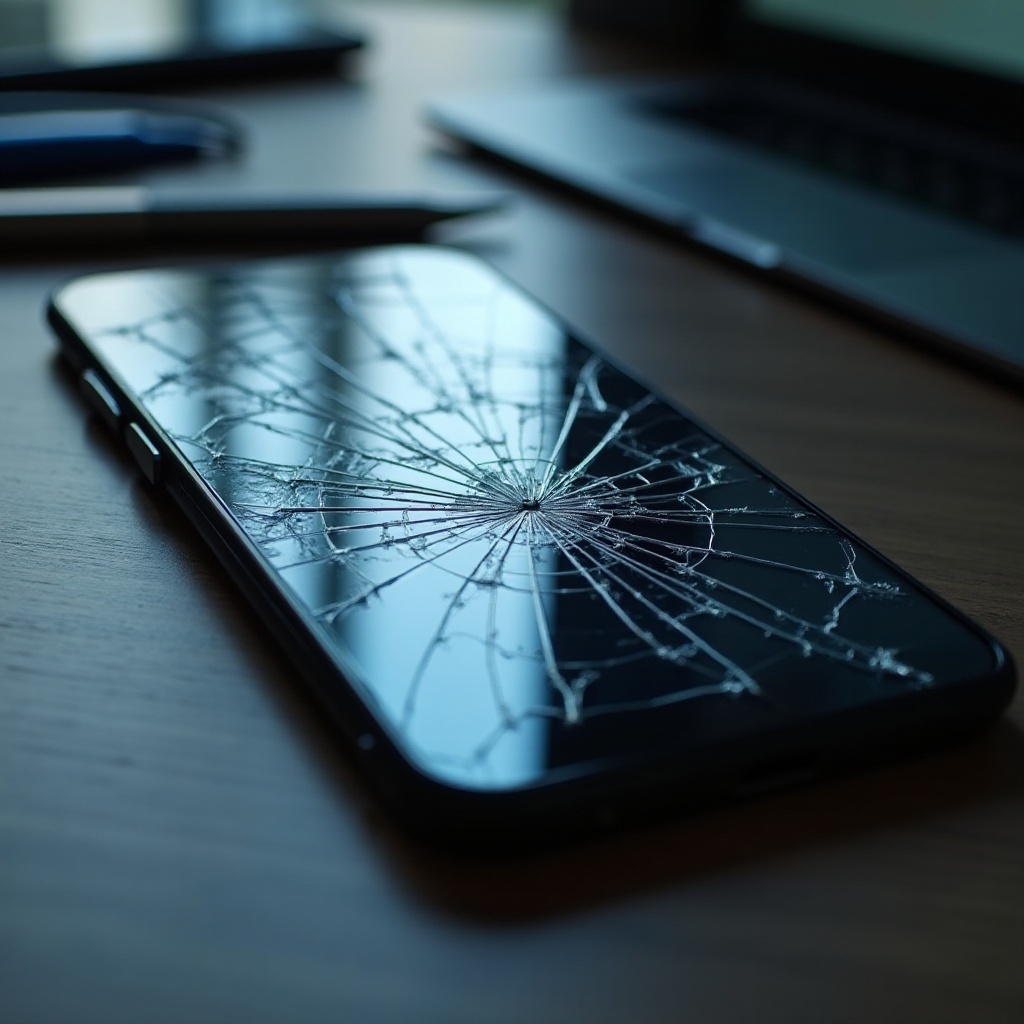
A shattered smartphone screen is a widespread issue many users face. Beyond the inconvenience of an unusable device, there’s a looming threat of losing vital data. Be it cherished photos, critical documents, or important contacts, the concern of data loss is unsettling. Thankfully, numerous strategies can aid in recovering data from a broken screen Android phone. This comprehensive guide walks you through effective techniques for data recovery and shares preventive measures to safeguard your data against future incidents.

Understanding the Problem: Broken Screen Android
Screen damage typically occurs from accidental drops, excessive pressure, or exposure to harmful environments. A damaged screen not only inhibits normal device use but can also lead to further issues like data corruption if not addressed. Before initiating any recovery process, it’s essential to ascertain the severity of the damage. Can the screen still display anything, or is it entirely non-functional? This determination will guide you towards the suitable recovery method.
Preparing for Data Recovery
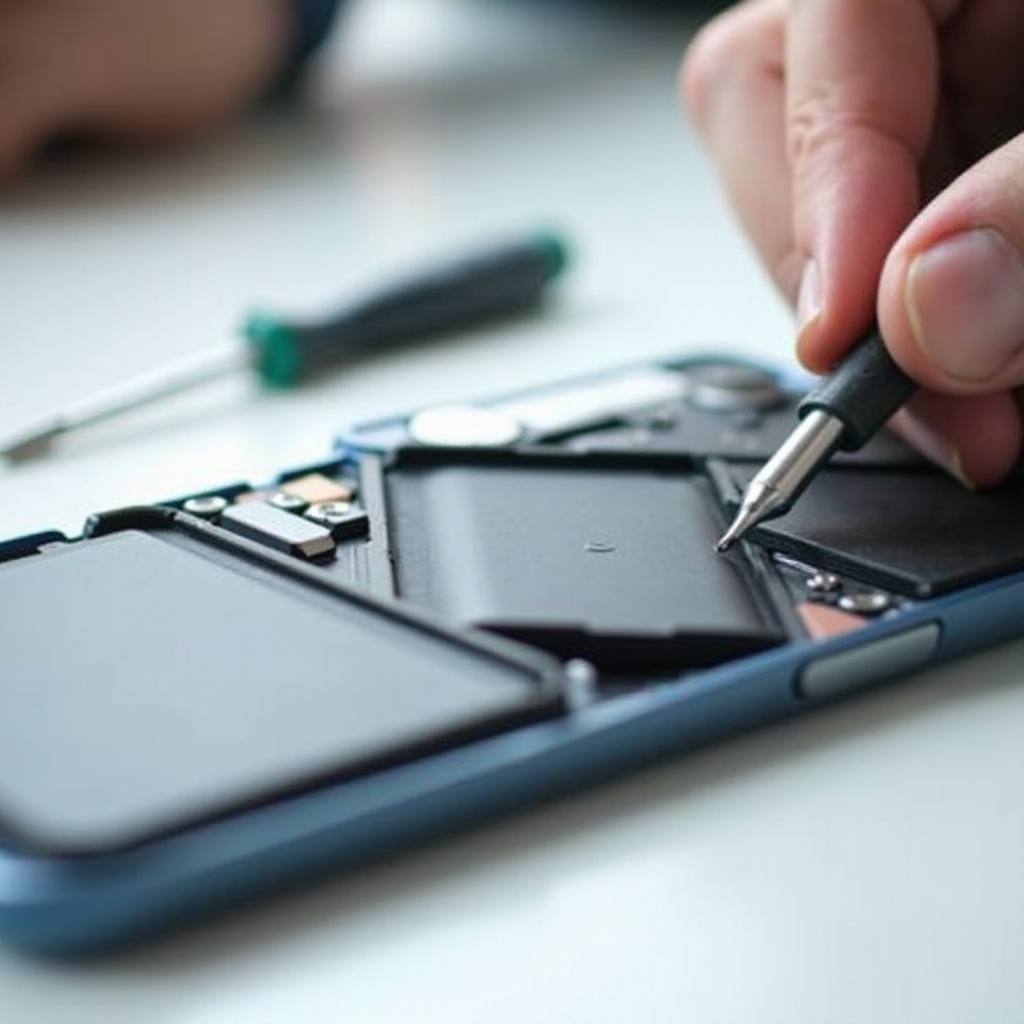
Before beginning the recovery process, proper preparation is crucial. This involves evaluating the screen’s condition, gathering necessary tools, and taking safety precautions.
- Assessing Screen Damage: Determine if the screen is responsive or displays any visuals. This will help in selecting the appropriate recovery technique.
- Essential Tools and Software: Gather tools like a USB OTG cable, recovery software on a computer, and an external mouse if needed.
- Safety Precautions: Ensure the device is powered off to prevent further damage during preparation.
With these preparations in place, you’re ready to proceed with data recovery.
Methods to Recover Data
Different methods are available for recovering your data, depending on your device’s condition.
- Method 1: Using a USB OTG Cable and Mouse
- Connect the USB OTG cable to your phone.
- Attach a mouse to the cable’s other end.
- Navigate and unlock your phone using the mouse.
-
Transfer data from the phone to a computer or an SD card.
-
Method 2: Utilizing Data Recovery Software
- Install reliable software like Dr.Fone or Tenorshare on your computer.
- Connect your device to the computer.
- Let the software scan for recoverable data.
-
Follow prompts to recover and save the data to your computer.
-
Method 3: Accessing Google Account Sync and Cloud Backups
- Log into your Google account on another device.
- Access Google Drive, Photos, or any other synced service.
- Download or save your required files to your current device.
Each method offers a solution tailored to your device’s responsiveness and available resources. Experiment with these techniques to discover which best suits your circumstances.

When to Seek Professional Help
If DIY methods don’t yield the desired results, or if the damage is extensive, it might be time to consult a professional. Professionals have advanced equipment and expertise to retrieve data from severely damaged devices. While professional services may incur costs, they offer a higher success rate in data recovery in complex cases.
Preventing Future Screen Damage and Data Loss
While recovering data is vital, preventing screen damage and data loss is equally important. Implement these strategies to minimize future risks:
– Invest in robust phone cases and screen protectors.
– Avoid exposing devices to extreme temperatures or hazardous environments.
– Regularly back up your data using cloud storage or external drives.
– Handle your phone carefully to reduce drop risk.
By adopting these preventative measures, you protect your device from future damage and ensure your data remains secure.
Conclusion
A broken phone screen can lead to data loss, but armed with effective solutions, you can recover what might seem lost. By following the steps detailed above and taking proactive measures to protect your data, you can mitigate the risks associated with screen damage. If self-recovery proves challenging, don’t hesitate to pursue professional assistance. Ultimately, safeguarding your data against future incidents requires vigilance and the right tools.
Frequently Asked Questions
Can I recover data from my Android if the screen is completely unresponsive?
Yes, using a USB OTG cable with a mouse or recovery software can help retrieve data even if the screen is unresponsive.
What software is best for recovering data from a broken screen Android?
Data recovery tools like Dr.Fone, Tenorshare UltData, and iMobie PhoneRescue are popular choices.
How can I prevent data loss if my phone screen breaks again?
Regularly back up your data using cloud services, employ protective cases, and handle the device carefully to prevent future incidents.