
Introduction
Replacing a smartphone battery can rejuvenate your device’s performance and extend its lifespan. If your phone frequently needs charging or shuts down unexpectedly, a battery replacement might be the solution. This guide will lead you through replacing your phone battery effectively, helping you maintain peak performance.
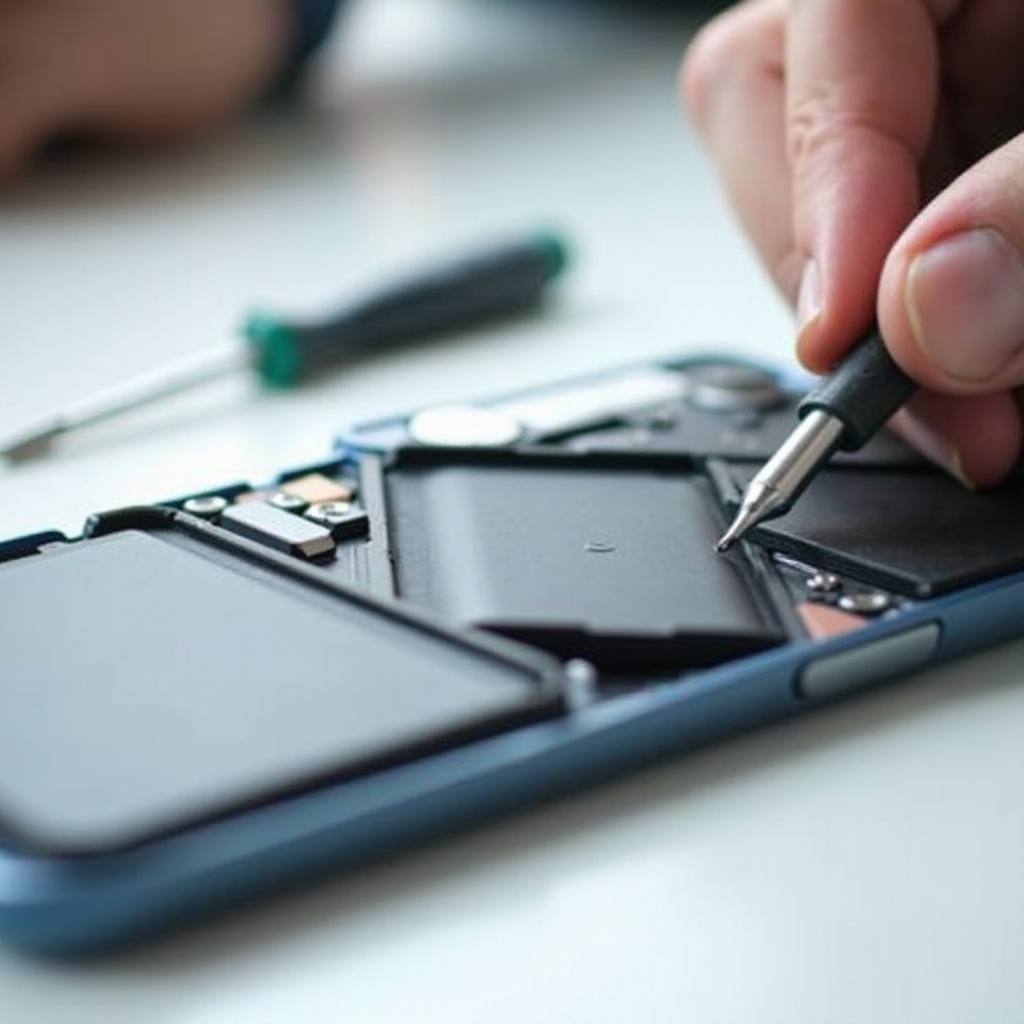
Why and When to Replace Your Phone Battery
Aging batteries often cause phones to lose efficiency. Recognizing signs that signal a battery replacement can prevent additional problems:
– Rapid Battery Drainage: If your phone loses charge quickly, it may need a new battery.
– Unexpected Shutdowns: Devices turning off with seemingly ample charge are indicative of battery issues.
– Overheating: Persistent heat during normal use suggests battery troubles.
– Battery Swelling: A swollen battery can damage your phone, necessitating immediate replacement.
Identifying these symptoms early keeps your phone in good working order. With clear signs of a failing battery, preparation is your next step.
Preparing for the Battery Replacement
Preparation ensures the replacement process is smooth and safe. Here’s how to get ready:
Tools You’ll Need
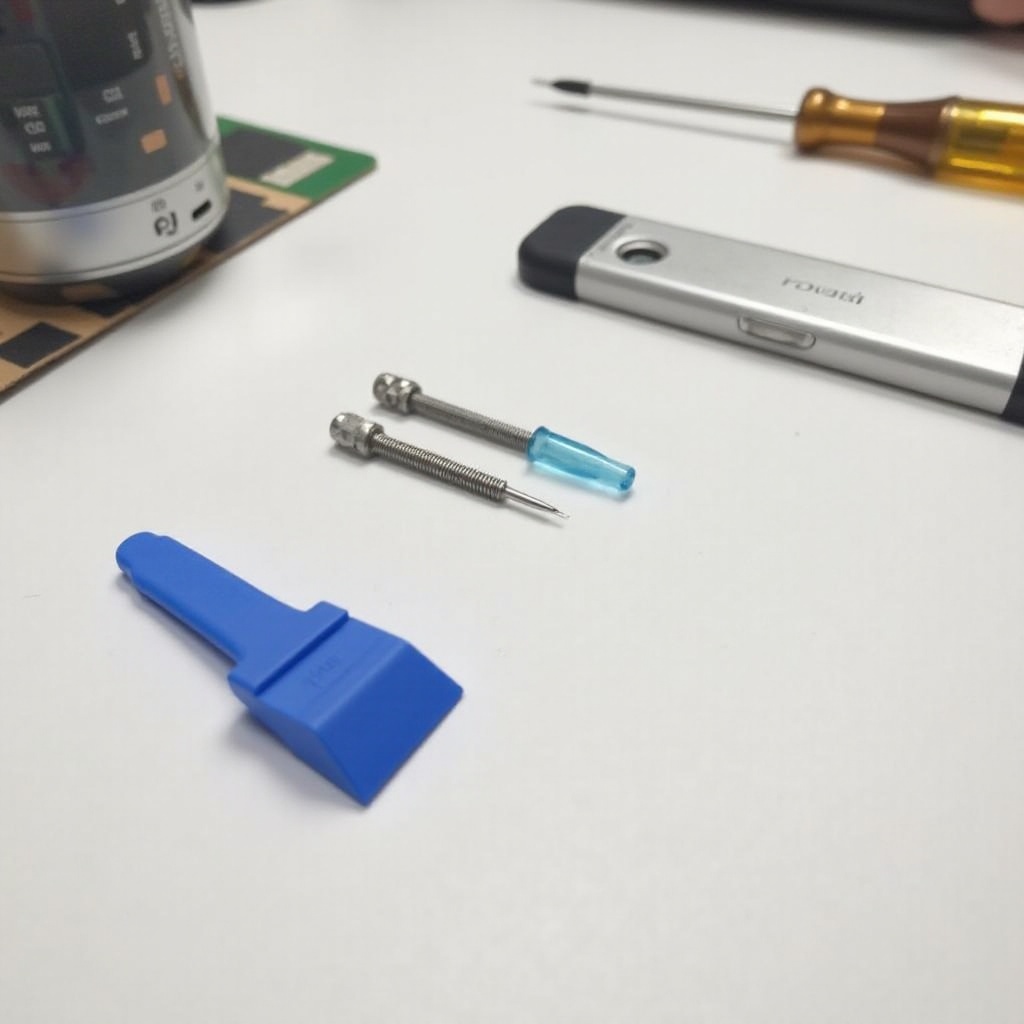
Having the right tools is crucial. Assemble:
– Small Phillips screwdriver
– Plastic pry tools or guitar picks
– Tweezers
– Suction cup
– Heat gun or hair dryer (optional for adhesives)
Choosing the Right Replacement Battery
Selecting a compatible battery affects performance. Consider:
– Checking your phone’s specific model and battery type
– Purchasing from trusted suppliers or the original manufacturer
Backing Up Your Data
Before starting, secure your data to prevent any loss:
– Utilize cloud storage like Google Drive or iCloud
– Transfer important files to a computer via USB
With these preparations done, you’re set to replace the battery.
Step-by-Step Phone Battery Replacement Process
Replacing a phone battery involves careful attention. Follow these steps for success:
- Power Down Your Phone:
-
Completely turn off your phone to avoid electrical issues or data loss.
-
Remove the Back Cover or Screen:
- Detach screws and gently use pry tools to remove the back cover or screen.
-
Use a heat gun carefully to soften adhesive if needed, avoiding heat damage.
-
Disconnect and Remove the Old Battery:
- Carefully remove securing tapes or screws from the battery.
-
Disconnect the battery with plastic tools, as metal tools can cause short circuits.
-
Install the New Battery:
- Align and connect the new battery securely.
-
Ensure it fits well; avoid forcing it into place.
-
Reassemble Your Phone:
- Reattach the cover or screen.
- Tighten screws, aligning all parts precisely.
With the new battery installed, your phone should function more reliably. Managing your new battery correctly will optimize its longevity.
Post-Replacement Care and Tips
Extend your new battery’s life by following these steps:
Testing Your New Battery
After installation, verify performance:
– Fully charge the battery and observe usage duration.
– Monitor any unusual behavior such as overheating.
Prolonging Battery Life
Adopt best practices for battery maintenance:
– Avoid exposing your phone to extreme temperatures.
– Prevent the battery from completely discharging often.
– Use manufacturer-recommended chargers.
Safe Disposal of Old Batteries
Dispose of the old battery responsibly to protect the environment:
– Recycle it at designated electronic waste centers.
– Utilize store recycling programs where available.
Implementing these practices ensures your device remains in peak condition for longer.

Conclusion
Replacing your phone battery can greatly enhance your device’s functionality and save on costs associated with buying a new phone. It requires understanding when to replace it, preparing properly, and following each step carefully. With diligence and care, you can give your phone a new lease on life.
Frequently Asked Questions
Can I replace a non-removable battery myself?
Yes, with the right tools and careful handling, many non-removable batteries can be replaced safely.
How often should a phone battery be replaced?
Typically, batteries are replaced every 2-3 years, or sooner if you notice reduced performance or damage.
Does replacing the battery affect phone performance?
Installing a new battery often improves phone performance by extending usage time and reducing shutdowns.
