Introduction
Phone speakers are prone to accumulating dust, lint, and grime, which can degrade sound quality and potentially damage your device over time. Properly cleaning your phone speakers not only restores audio clarity but also extends the device’s lifespan. This guide provides simple and effective steps to maintain your phone speakers using safe methods that you can easily perform at home.
Understanding Phone Speaker Systems
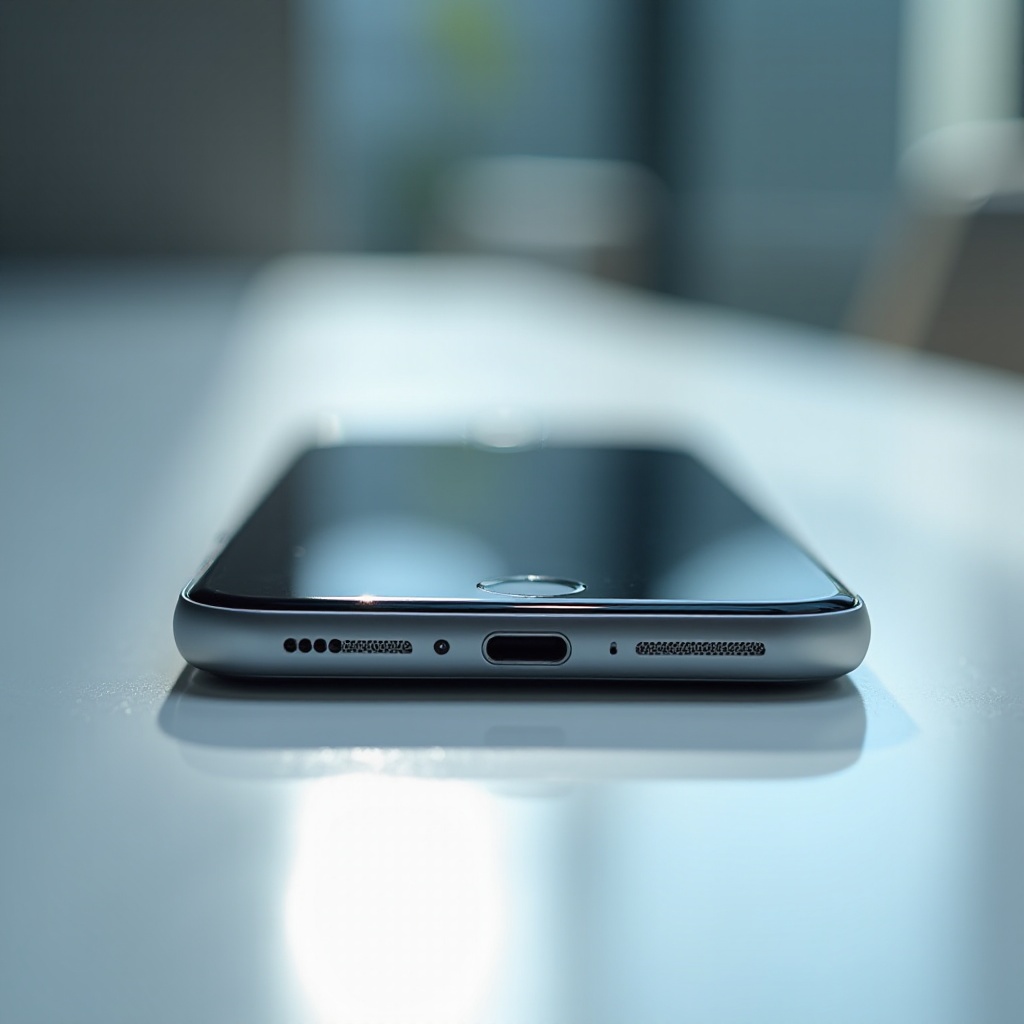
To clean phone speakers effectively, it’s important to first understand the types and locations of the speakers on your device. Most modern smartphones feature either mono or stereo speakers, usually located at the top and bottom. Knowing where these speakers are situated will guide you in using the right tools and methods to clean them without causing damage.
Tools and Materials Needed
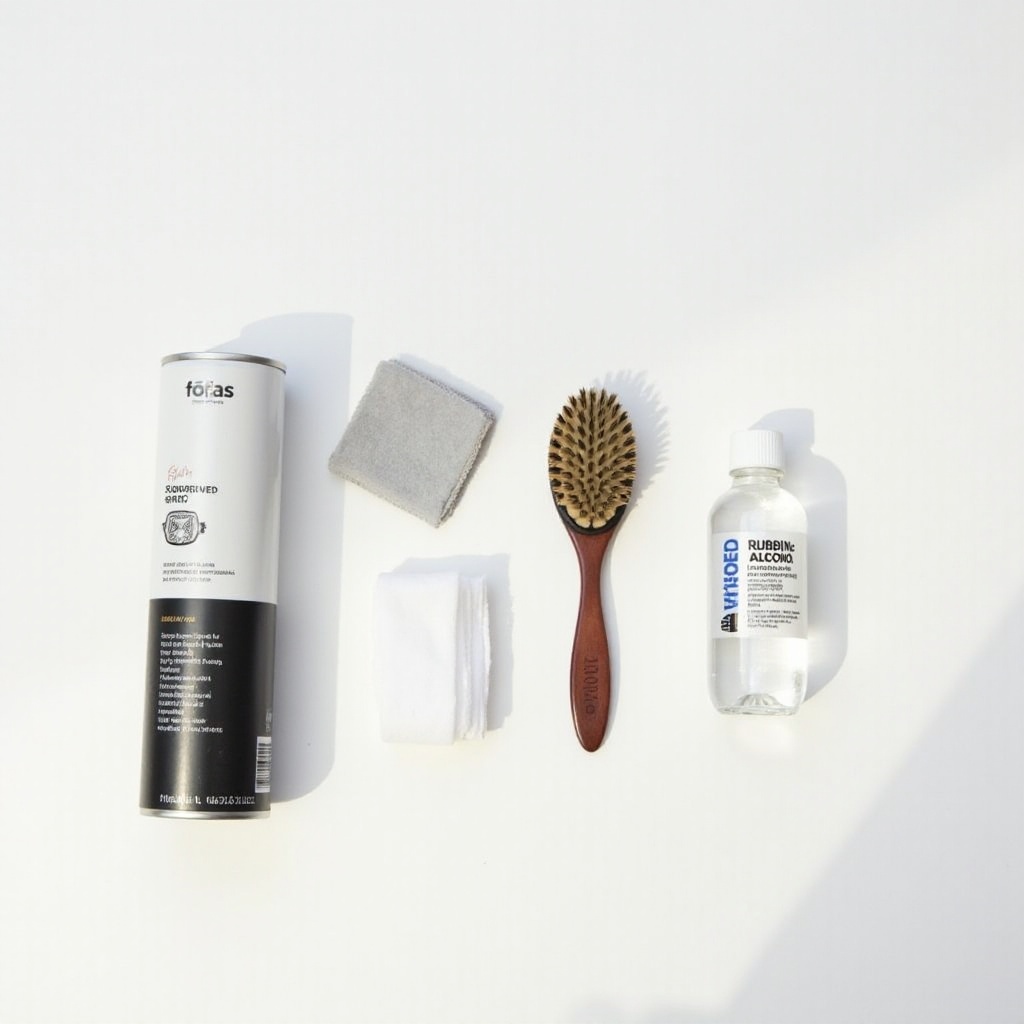
Using appropriate tools ensures a safe and efficient cleaning process. Here’s what you’ll need:
– A soft-bristled brush for removing loose particles
– Compressed air to dislodge debris from tight spaces
– Isopropyl alcohol (70% or higher) for deep cleaning
– Cotton swabs or a microfiber cloth for applying the alcohol
These tools and materials are readily available and are safe for electronic devices, allowing you to proceed confidently.
Step-by-Step Cleaning Guide
With the tools ready, here’s how to clean your phone speakers:
1. Step 1: Preparing Your Phone for Cleaning
Power off your phone to prevent accidental inputs or damage during cleaning. Remove any cases or accessories obstructing the speakers.
-
Step 2: Using a Soft Brush and Compressed Air
Gently brush over the speaker grills to loosen visible particles. Use short bursts of compressed air from a safe distance to avoid blowing directly onto the speaker components. -
Step 3: Deep Cleaning with Isopropyl Alcohol
Lightly dampen a cotton swab with alcohol, ensuring it’s not overly wet. Clean the edges and surface of the speaker grills carefully, applying minimal pressure. -
Step 4: Testing Your Phone Speakers
Power your phone back on and play audio to check if the sound clarity and volume have improved.
These steps will enhance the acoustic performance of your phone while protecting its integrity.
Alternative Cleaning Methods
If standard methods don’t work or aren’t feasible, consider these alternatives:
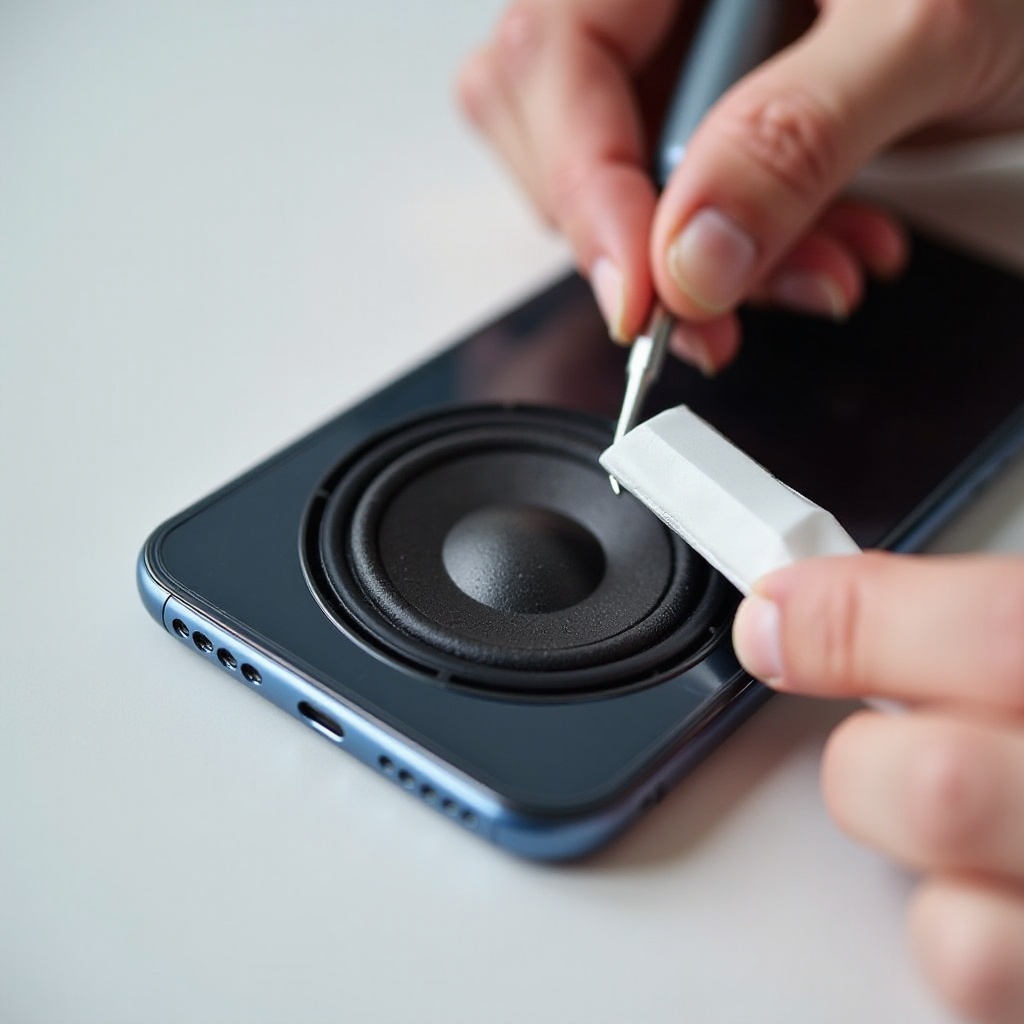
– The Tape Trick for Speaker Mesh
Use adhesive tape folded over your finger to pick up debris from speaker grills.
– Toothbrush Technique
Employ a clean, soft-bristled toothbrush in gentle circular motions to dislodge and remove dirt.
These supplementary methods can be effective when traditional options fall short.
Maintenance Tips for Longevity
Prevention is key to long-lasting sound clarity. Here’s how to reduce speaker blockages:
– Implement a regular cleaning routine, ideally every two months.
– Consider using dust plugs to keep speaker openings clear of particles.
Preventive maintenance saves time and effort, ensuring consistent audio performance.
Troubleshooting Common Speaker Issues
Persistent issues like distortion or low volume may require further action:
– Verify your device’s volume settings for potential software glitches.
– As a last resort, reset your device to factory settings after backing up crucial data.
If problems persist, seeking professional help might be necessary to address potential internal hardware issues.
Conclusion
Routine maintenance and thorough cleaning of your phone’s speakers can significantly enhance your device’s audio quality and extend its lifespan. By following the outlined steps and preventive measures, you ensure your smartphone delivers clear, crisp sound.
Frequently Asked Questions
How often should you clean phone speakers?
Cleaning your phone speakers every two months is ideal for maintaining sound quality and device longevity.
Can cleaning affect phone warranty?
If done carefully, cleaning should not affect your phone’s warranty. Always refer to the manufacturer’s guidelines to avoid voiding coverage.
Are there professional cleaning kits available?
Yes, there are numerous kits specifically designed for electronics cleaning, offering a safe and effective option if DIY methods seem cumbersome.