AirPods are renowned for their convenience and quality, making them a popular choice for many users, including gamers. However, when it comes to pairing AirPods with a PS5, things can get a bit complicated. The PS5 does not natively support Bluetooth audio devices. Despite this, you can still connect AirPods to the PS5 through a few simple steps, ensuring you enjoy your gaming sessions wirelessly.
Understanding PS5’s Bluetooth Limitations
The PlayStation 5, while a powerful console, was not designed to support Bluetooth audio output. This decision was made to prioritize low-latency connections, critical for a synchronous gaming experience. The lack of direct Bluetooth support may seem like a drawback, but it ensures smoother interactions between sound and gameplay, which is vital for an immersive experience.
Despite this limitation, you can use third-party solutions to connect your AirPods. Understanding the reasons behind these design choices will help you make the best decisions for overcoming them.
How to Connect AirPods to PS5
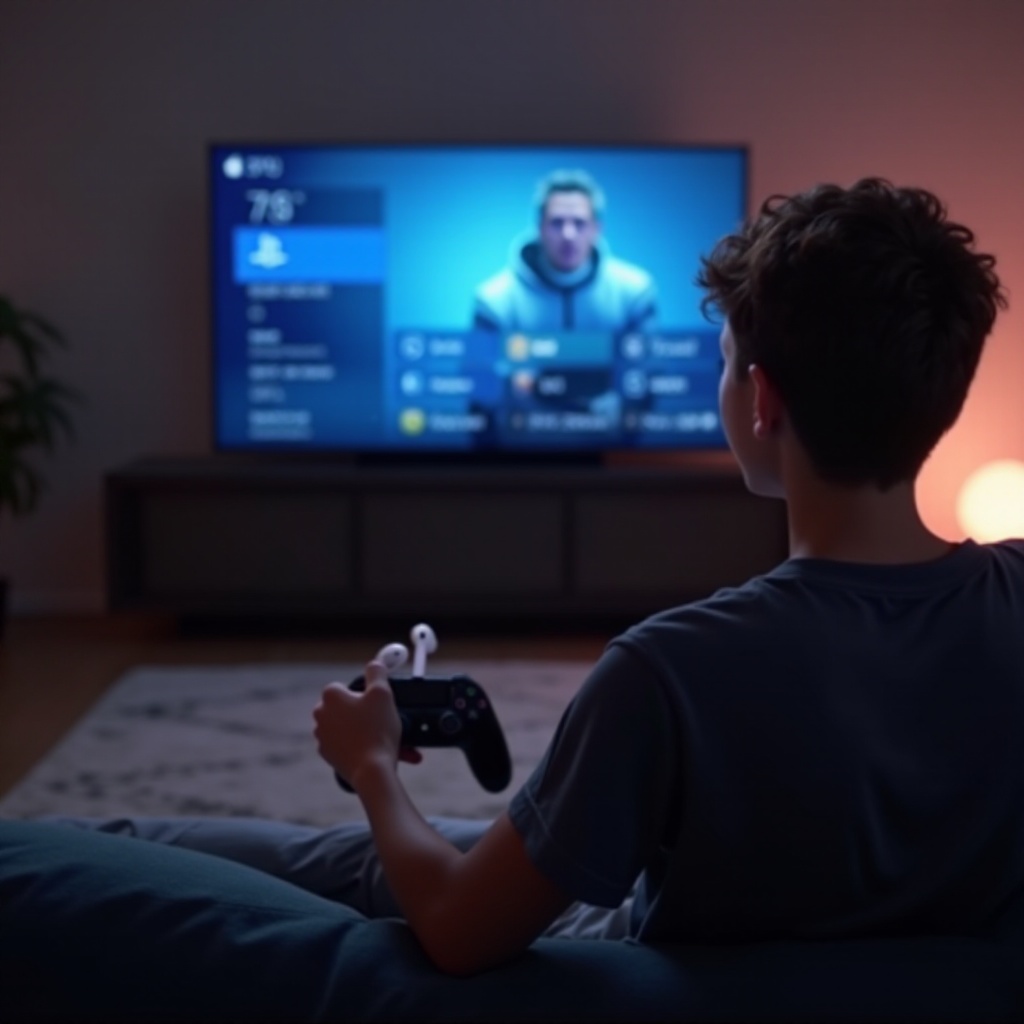
To successfully pair your AirPods with your PS5, you’ll need to use additional hardware. Follow these steps to enjoy your AirPods while gaming:
-
Gather Necessary Equipment: Purchase a Bluetooth adapter designed for the PS5, preferably one that supports low latency for audio.
-
Step-by-Step Setup Process:
- Insert the Bluetooth adapter into one of the USB ports on your PS5.
- Turn on your PS5 and your AirPods. Put the AirPods in pairing mode by pressing the button on their charging case until the light flashes white.
-
Activate pairing mode on the Bluetooth adapter. Once they’re synced, you’ll hear a tone from your AirPods, indicating a successful connection.
-
Troubleshooting Common Issues:
- Ensure the Bluetooth adapter is properly connected to the USB port.
- Reset your AirPods if they don’t connect by placing them in the charging case, closing it, and trying again.
This method allows you to enjoy your games without being tethered by wires, using your preferred AirPods headset.
Alternative Headphone Options for PS5
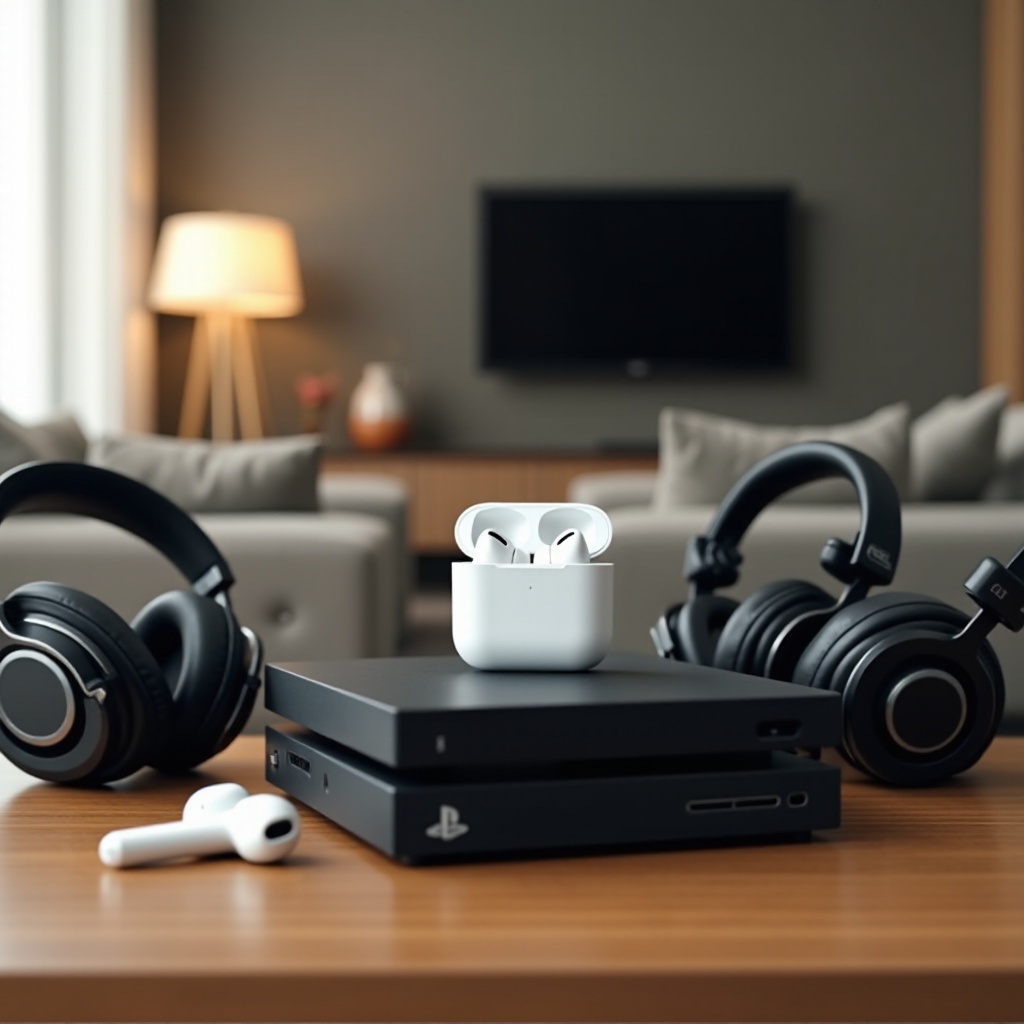
While connecting AirPods can be achieved, there are several other fantastic headphone options specifically designed for the PS5, offering superior audio quality and integration.
-
Exploring PS5-Compatible Wireless Headphones: Products like the Sony Pulse 3D Wireless Headset are tailored for the PS5, providing excellent sound quality without the need for adapters.
-
Comparing Audio Quality and Latency: Dedicated PS5 wireless headsets utilize proprietary technologies that minimize latency, unlike typical Bluetooth connections, which may hinder real-time audio experiences.
Choosing the right headphones can significantly enhance your gaming experience, ensuring high-fidelity audio and seamless integration with your console.
Tips for Optimizing Audio Experience on PS5
Regardless of the headphones you choose, optimizing your setup can make a significant difference in your gaming immersion.
-
Adjusting Audio Settings on PS5: Access the PS5’s settings menu to enable 3D Audio for compatible games. Experiment with various profiles to tailor the sound to your preferences.
-
Reducing Latency and Enhancing Audio Quality: Ensure your headphones and any adapters are updated with the latest firmware. Direct connections or using approved accessories can help reduce any audio delay.
Implementing these tips will enhance your gaming sessions, allowing you to experience every detail with clarity and precision.
Conclusion
Although the PS5 does not natively support Bluetooth audio devices like AirPods, connecting them is possible with a few extra steps. By employing a quality Bluetooth adapter and following setup instructions, or by exploring alternative headphones, you can elevate your gaming experience with superior audio quality.
Embrace these solutions to maximize your enjoyment and immerse yourself fully in the world of gaming.
Frequently Asked Questions
Can I use any Bluetooth adapter to connect AirPods to PS5?
Not all adapters will work. It’s essential to use one designed for audio with low latency for consoles like the PS5.
Do AirPods have any latency issues when connected to PS5?
Yes, using a Bluetooth connection may result in higher latency compared to direct connections or dedicated gaming headsets.
What are the best alternative headphones for PS5?
Headphones like the Sony Pulse 3D Wireless Headset are great alternatives, offering tailored integration and sound quality for the PS5.